Return to The Money Mentor Blog
Learn how to avoid phishing email scams
Return to The Money Mentor Blog
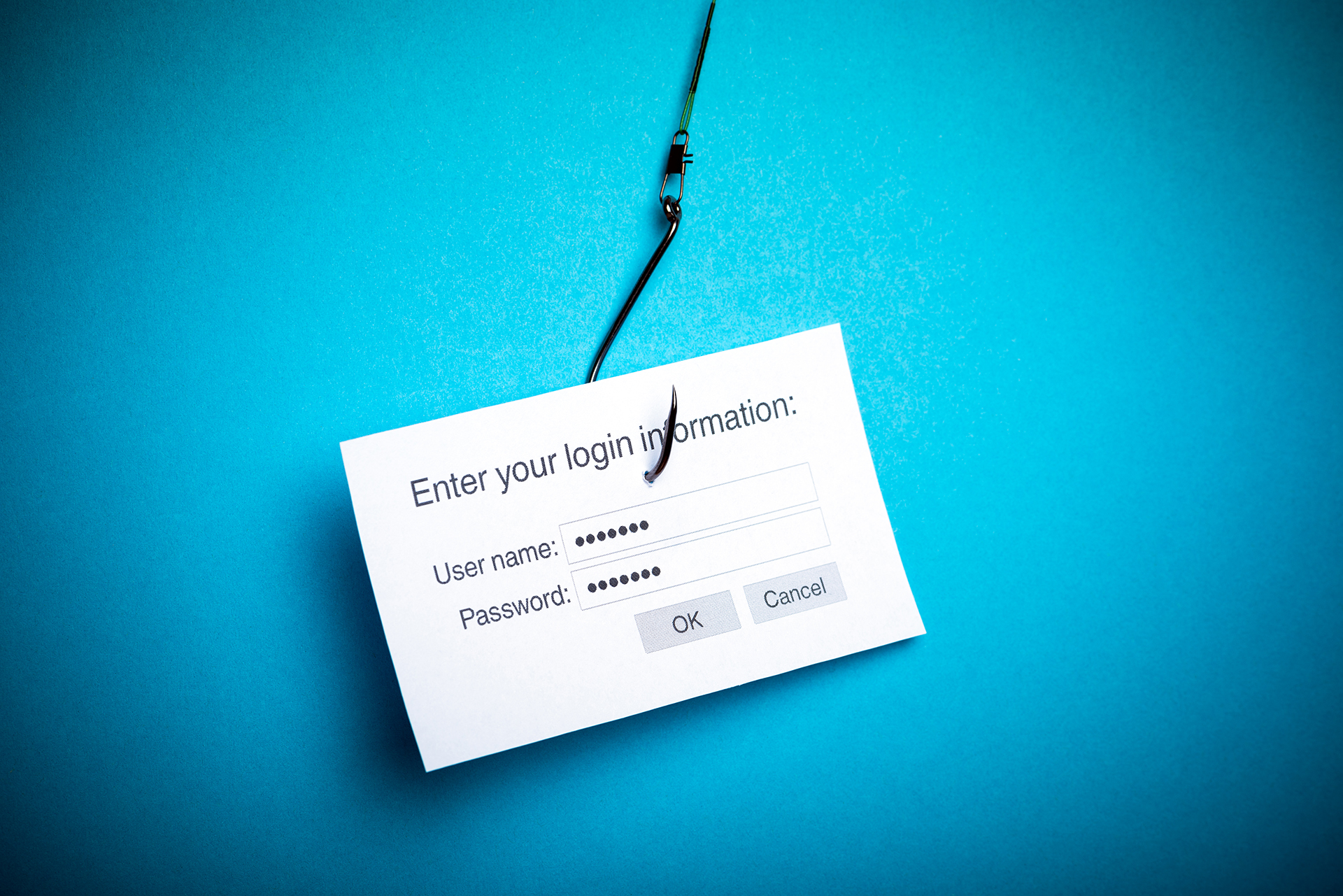
Thieves and hackers have become more and more creative and clever in finding ways to trick people into sharing personal information that can put their finances at risk. One method is a so-called “phishing” email. These phishing (pronounced like “fishing”) scams are emails designed to mimic legitimate emails from businesses like retailers or financial institutions. In reality, they are created by thieves to trick you into entering your confidential financial and login information into a scam website. The scammers can then use the victim’s information to make fraudulent purchases or steal identities. So how do you know if an email that says it is from Alliant or another financial institution is legitimate? Below are a few tips on how to identify phishing emails and what you should do to protect yourself.
From an unfamiliar source. If you receive an email from a person or organization that you don’t know, don’t click on any links and don’t open any attachments. In fact, the safest course of action is to delete the email without opening it.
Strange wording or typos. Many phishing attempts originate in foreign countries and are written by people for whom English is a second language. If the subject line or text of the email has obvious typos or is written in broken English, it’s likely to be a scam.
False urgency. Phishing emails often contain words like alert, urgent, immediate action or action required. The scammers hope that if they imply urgency and scare you, you’ll react quickly without checking to see if the email is legitimate. Although Alliant has sent out emails related to data breaches, they were informational only, and did not ask members to log in to any account or take any action other than being diligent about monitoring their accounts.
Fake links/URLs. Links in emails can be masked so that the words displayed in the link appear to be legitimate, while the actual link takes you to a site for a different, fraudulent company. The easiest way to check an email link (or a linked image) is to hover your cursor over it without clicking. The actual URL of the link should appear at the bottom left side of your screen. (Note: In some email systems, when you hover over a link, a pop-up window will appear showing the URL.) If the URL displayed doesn’t match the company that ostensibly sent you the email, don’t click it. For example, most Alliant emails link to pages on alliantcreditunion.org or alliantcreditunion.com. Use your judgment when a link goes to a different website if that site makes sense in the context of the email. If an email from us promoting the Alliant Visa Platinum Rewards credit card includes a link to Visa’s website, which makes sense in that context, it likely indicates that the link is legitimate.
Site is not a “secure” site. Any site into which you enter personal or financial information should be a secure site with a link starting with “https” (the added “s” stands for secure) instead of just “http.” If the URL for the form asking for your information starts with http instead of https, it is not safe to enter your login or financial information.
Pop-up forms. In very sophisticated scams, the link in the email might take you to the actual site, but it also has hidden code that launches a scam pop-up window. If you enter your login into the pop-up window instead of into the legitimate website, it sends your login information to the scammers. On Alliant’s site, you never log in or input your confidential information via a pop-up window.
Review your account activity regularly. Monitoring your accounts on a regular basis is the best way for you to guard against being a victim of fraud. Alliant allows you to set up email notifications that alert you when your debit card is used.
Never provide personal information in response to an unsolicited email.
For more tips on protect your finances, check out our February Members Circle newsletter article: Protect the security of your debit and credit cards.
